On this page
- What a typical lookup shows
- Where the data comes from
- 1. Regional internet registries (WHOIS and RDAP)
- 2. Routing data (ASN)
- 3. Geolocation databases
- 4. Reverse DNS
- 5. VPN, proxy and hosting flags
- What a lookup can’t tell you
- How to look up an IP yourself
- Privacy: IP lookups and the GDPR
- Practical uses
- FAQ
- What does an IP address lookup show?
- Can an IP lookup show my name or home address?
- Where does IP lookup data come from?
- How do I report abuse from an IP address?
- Related guides
- Sources
Last reviewed: 2 November 2026 · By the CloakMyIPAddress Privacy Desk
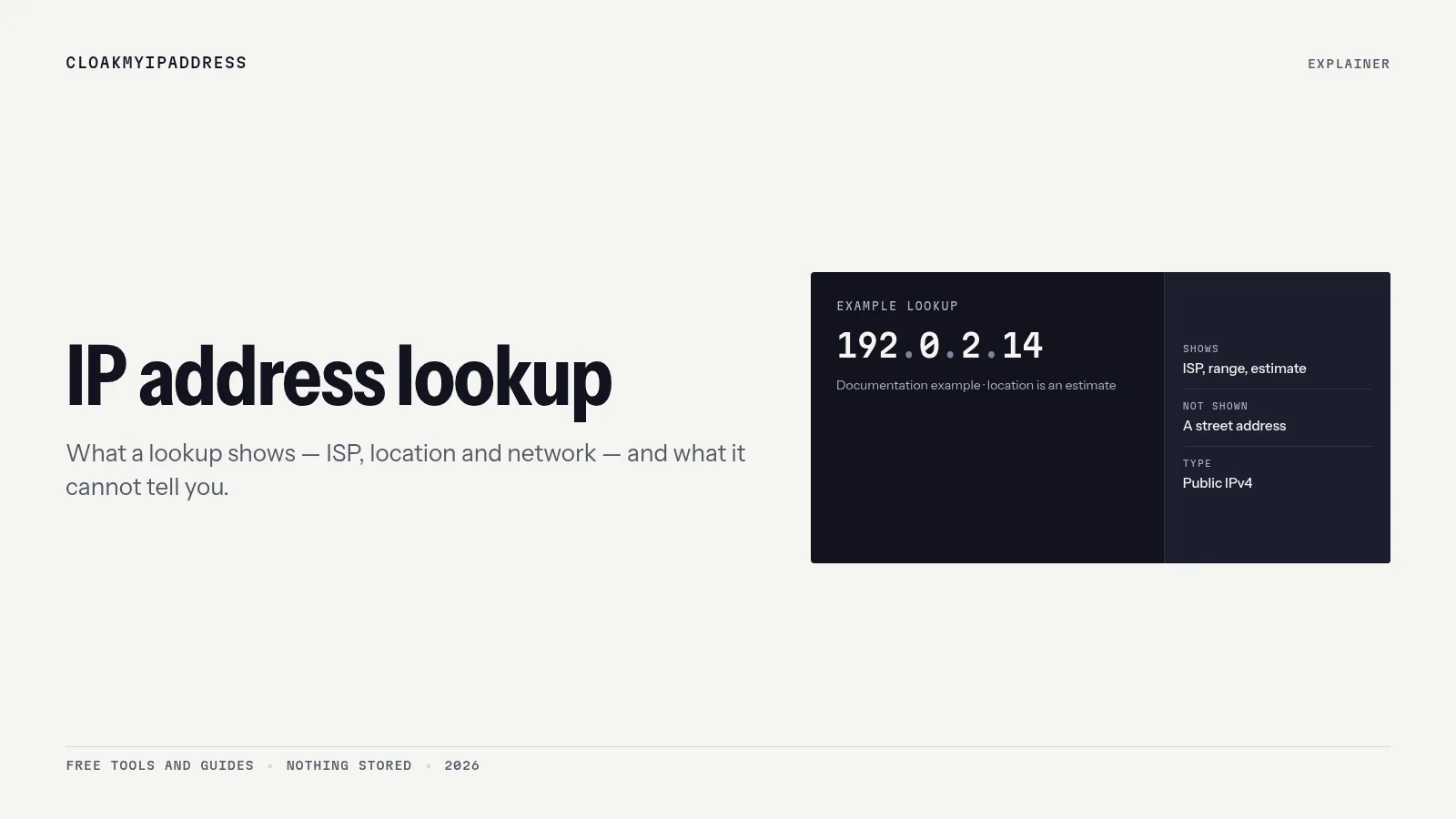
Short answer: an IP address lookup tells you which network an IP belongs to (the ISP or company, and its ASN), roughly where it’s used (country, often a city, with uncertainty), and sometimes a hostname and whether it’s a VPN, proxy or data-centre address. It doesn’t tell you who is using it or their street address. That link exists only in the ISP’s records.
Look up your own IP now: What’s my IP?
What a typical lookup shows
| Field | Example | Where it comes from | How reliable |
|---|---|---|---|
| IP address and version | 84.50.x.x (IPv4) or 2001:7d0:… (IPv6) | Your connection | Exact |
| Organisation / ISP | Telia Eesti AS | Registry (RIPE NCC) | High |
| ASN | AS3249 | Routing data and registry | High |
| Network range | 84.50.0.0/16 | Registry | High |
| Country | Estonia | Geolocation database | High (≈ 99.8% per MaxMind) |
| City / region | Tallinn | Geolocation database | Medium to low |
| Coordinates + radius | 59.43, 24.75 ± 50 km | Geolocation database | A centre point, not an address |
| Hostname (reverse DNS) | 84-50-x-x-dsl.example.ee | PTR record set by the ISP | Exact, if present |
| Connection type flags | Hosting / VPN / mobile | Commercial classification | Varies |
| Abuse contact | The network’s abuse mailbox | Registry (abuse-c) | High |
Examples are illustrative. Telia Eesti and AS3249 are shown as a typical Estonian ISP and ASN for format only.
Where the data comes from
1. Regional internet registries (WHOIS and RDAP)
Every public IP block is allocated by one of five regional internet registries (RIRs). Europe, the Middle East and parts of Central Asia are covered by the RIPE NCC in Amsterdam. The RIPE Database records who holds each range (an inetnum object for IPv4, inet6num for IPv6), the network name, the country of registration and contacts, including an abuse contact.
You can query it in two ways:
- WHOIS: the classic text protocol, available through the RIPE Database web query.
- RDAP (Registration Data Access Protocol, RFC 9083): the modern JSON replacement. Try
https://rdap.db.ripe.net/ip/followed by an address.
The registered country is often where the ISP is headquartered, not where the customer sits, which is one reason lookups can disagree. See Why is my IP location wrong?
2. Routing data (ASN)
Each network that routes traffic on the internet has an autonomous system number. The ASN tells you which network actually announces the address, which is useful when a block is registered to one company but used by another, or when an address belongs to a cloud provider.
3. Geolocation databases
Location fields come from commercial providers such as MaxMind, IPinfo and IP2Location. They combine registry data, ISP-published geofeeds (RFC 8805) and network measurements. MaxMind says its data is never precise enough to locate a specific household.
4. Reverse DNS
A reverse lookup asks DNS for the PTR record of an address, which the network operator sets. Home broadband IPs often have auto-generated hostnames that hint at the ISP and connection type; servers often have a meaningful name. Many IPs have no PTR record at all.
5. VPN, proxy and hosting flags
Fraud and streaming services buy databases that classify IPs as residential, mobile, business, hosting or anonymiser (VPN, proxy, Tor). This is why a VPN IP is often labelled “hosting”: most VPN servers sit in data centres. More: Residential vs datacenter IP.
What a lookup can’t tell you
- Who you are. No name, email or phone number.
- Your street address. The coordinates are a centre point with a radius, often the middle of a city or even a country.
- What you do online. A lookup is a snapshot of an address, not a history.
- Which device. At home, all devices share the router’s public IP. With CGNAT, many households share one.
To connect an IP and time to a person, someone needs the ISP’s records. In the EU, rights holders or police typically need a court order or legal request. See What can someone do with your IP address?
How to look up an IP yourself
Your own IP: our IP checker shows it with the ISP, ASN and approximate location.
Any IP, from the command line:
- Windows:
nslookup 193.0.6.139(reverse DNS), ortracertto see the path. - macOS and Linux:
dig -x 193.0.6.139(reverse DNS) andwhois 193.0.6.139(registry record).
In a browser: use the RIPE Database query page, or an RDAP URL, for the registry record. Commercial tools add geolocation and flags.
Privacy: IP lookups and the GDPR
For a home user, an IP address can be personal data under EU law, because the ISP can identify the subscriber (CJEU Breyer, C-582/14). That has two consequences:
- Websites that log your IP must treat it as personal data, with a legal basis and retention limits.
- Registry records for individuals are handled carefully: the RIPE NCC’s policies govern how personal data appears in its database, and many ISPs register customer assignments under the ISP’s own name rather than the customer’s.
Domain-name WHOIS (a different system) also hides most personal data since the GDPR. Details: Is an IP address personal data under the GDPR?
Practical uses
- Checking your VPN works: the lookup should show the VPN provider’s network and the country you chose, not your ISP. See how to check if your VPN is working.
- Investigating suspicious log-ins: an unknown country or a hosting provider on your account’s activity page is worth a password change.
- Reporting abuse: find the network’s abuse-c contact and send timestamps (with time zone) and logs.
- Debugging email or website issues: reverse DNS and ASN help explain spam filtering and routing.
If you’d rather websites saw a different network and location, a VPN changes what a lookup returns. Options include Mullvad, Proton VPN and Surfshark. A research-based comparison is in this NordVPN vs Surfshark battle.
FAQ
What does an IP address lookup show?
Typically the IP version, the organisation or ISP that holds the address block, its autonomous system number (ASN), an approximate location with an accuracy radius, a reverse-DNS hostname if one exists, and sometimes flags such as VPN, proxy or hosting.
Can an IP lookup show my name or home address?
No. A lookup shows the network that holds the address and an estimated area. Only your ISP can match an IP and time to a subscriber, and in the EU it discloses that only under legal process.
Where does IP lookup data come from?
Ownership data comes from regional internet registries (the RIPE NCC for Europe) via WHOIS or RDAP. Location comes from commercial geolocation databases. Hostnames come from reverse DNS records set by the network operator.
How do I report abuse from an IP address?
Look up the address in the RIPE Database or via RDAP and find the abuse contact (abuse-c) for the network. Send it the timestamps, your logs and what happened. For crimes, contact the police.
Related guides
- What is an IP address?
- Why is my IP location wrong?
- Residential vs datacenter IP
- How to hide your IP address
Sources
- RIPE NCC, RIPE Database: https://www.ripe.net/manage-ips-and-asns/db/ · web query: https://apps.db.ripe.net/db-web-ui/query
- RIPE NCC RDAP (example query): https://rdap.db.ripe.net/ip/193.0.6.139
- RIPE Database object documentation (inetnum): https://apps.db.ripe.net/docs/RPSL-Object-Types/Descriptions-of-Primary-Objects/#description-of-the-inetnum-object
- IETF RFC 9083, RDAP JSON responses: https://www.rfc-editor.org/rfc/rfc9083 · ICANN on RDAP: https://www.icann.org/rdap
- IETF RFC 1035, DNS (PTR records): https://www.rfc-editor.org/rfc/rfc1035
- IETF RFC 8805, IP geolocation feeds: https://www.rfc-editor.org/rfc/rfc8805
- MaxMind, Geolocation accuracy: https://support.maxmind.com/hc/en-us/articles/4407630607131-Geolocation-Accuracy
- CJEU C-582/14 Breyer (2016): https://curia.europa.eu/juris/liste.jsf?num=C-582/14