On this page
- How IP location actually works
- Seven reasons your IP location is wrong
- 1. Your ISP routes your area through a hub
- 2. You’re on mobile data
- 3. Carrier-grade NAT (CGNAT)
- 4. The address was recently reassigned
- 5. You’re using a VPN, proxy or iCloud Private Relay
- 6. IPv6 versus IPv4
- 7. Corporate networks and satellite internet
- Why it matters
- How to fix a wrong IP location
- FAQ
- Why does my IP address show the wrong location?
- How accurate is IP geolocation?
- How do I fix my IP location?
- Can a website find my exact address from my IP?
- Related guides
- Sources
Last reviewed: 2 November 2026 · By the CloakMyIPAddress Privacy Desk
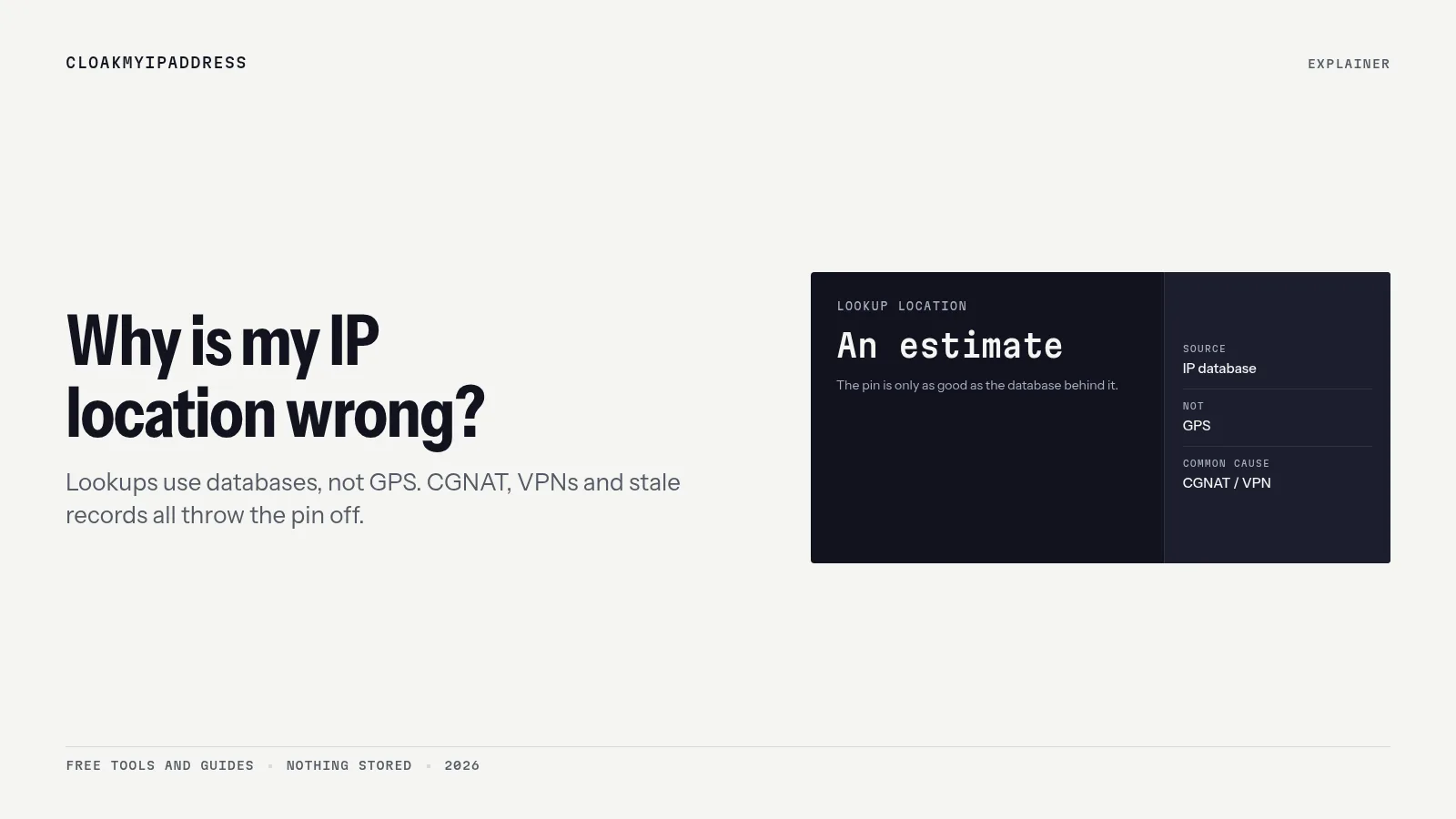
Short answer: an IP address doesn’t contain a location. Websites look it up in geolocation databases that estimate where an address is used, and those estimates are often off by a city, and sometimes by a country. Mobile data, carrier-grade NAT, ISP routing hubs, recently reassigned addresses, VPNs and IPv6 are the usual causes. You can request a correction, but you can’t force every database to change.
See what location websites currently get for you: What’s my IP?
How IP location actually works
When you visit a site, it sees only your public IP address. To show local prices, a language or a map pin, it asks a geolocation database (from providers such as MaxMind, IPinfo, IP2Location or Digital Element) “where is this IP?”. Those providers build their answers from:
- Registry data: which organisation holds the address block, recorded by regional internet registries. In Europe that’s the RIPE NCC. The registered country is often just the ISP’s head office.
- Geofeeds: files where ISPs publish the intended location of their address ranges, in the format standardised by RFC 8805. RFC 9632 describes how to point to a geofeed from the RIPE Database.
- Network measurements: latency and routing data that hint at where an address sits.
- Corrections: requests submitted by users, ISPs and businesses.
The result is an estimate, often with an accuracy radius. MaxMind estimates its data is 99.8% accurate at country level, and for US addresses about 66% accurate at city level within 50 km; it says accuracy varies widely by country, connection type and ISP practices, and that IP data is never precise enough to identify a household.
Seven reasons your IP location is wrong
1. Your ISP routes your area through a hub
Many European ISPs connect customers across a region through one aggregation point. If your ISP registers or reports an address range against its hub (Tallinn, Frankfurt, Amsterdam, Madrid), every customer in that range appears there. Rural users often show up in the nearest big city.
2. You’re on mobile data
Mobile operators assign IPs from large pools and often route traffic through a few national gateways. Your phone in Tartu may appear to be in Tallinn, or a different region entirely, and the location can change each time you reconnect. MaxMind notes that mobile IPs “may be used by mobile phones across a large distance”.
3. Carrier-grade NAT (CGNAT)
With CGNAT, hundreds of customers share one public IPv4 address. The database can’t pin a single location to an address used across a region. If your router’s WAN address starts with 100.64 to 100.127, you’re probably behind CGNAT.
4. The address was recently reassigned
IPv4 addresses are scarce and are traded or moved between networks and countries. When a block moves, databases may keep showing the old location for weeks or months until they pick up the change.
5. You’re using a VPN, proxy or iCloud Private Relay
That’s the point of them: sites see the server’s IP. Two wrinkles:
- Virtual locations: some VPN servers use an IP registered to one country while the hardware is in another. The lookup shows the advertised country, but the latency reveals the real distance.
- iCloud Private Relay deliberately gives an IP that keeps your general region or only your country and time zone, depending on your setting.
If you think you’re connected but the location shows your real city, check for leaks with the WebRTC leak test and DNS leak test.
6. IPv6 versus IPv4
Many connections now have both. A site may see your IPv6 address while the lookup tool shows IPv4, and IPv6 ranges are sometimes geolocated less accurately. If two tools disagree, check which address each one is showing. Our IPv6 leak test shows both.
7. Corporate networks and satellite internet
Office VPNs send traffic out through headquarters, so remote workers appear in the company’s city or country. Satellite services can route users through ground stations in other countries.
Why it matters
- Wrong language or prices: shops and search engines guess your country from your IP.
- Streaming blocks: a service may think you’re abroad. Paid EU services must let subscribers use their home catalogue during temporary stays in other EU countries (Portability Regulation), but they verify your country of residence, not just your IP.
- Fraud checks: banks may flag a login from a “different” city.
- Privacy: an inaccurate location isn’t a privacy feature. The website still sees your IP and ISP. Under the GDPR, an IP address can be personal data; see Is an IP address personal data?
How to fix a wrong IP location
- Confirm it’s wrong in several databases. Check our IP lookup and one or two other tools. If only one database is wrong, correct that one.
- Ask your ISP to publish a geofeed (RFC 8805). This is the most effective fix because providers ingest geofeeds automatically. Mention your address range (shown in the lookup) and the correct city.
- Submit correction requests to the major providers: MaxMind’s data correction form and IPinfo’s corrections page. Use the city you actually connect from; providers usually don’t change records based on a single request without evidence.
- Google: Google Search uses several signals, not only IP. If results show the wrong area, check your Google account’s location settings and the location shown at the bottom of search results.
- Wait. Websites update their copies of these databases on their own schedules, so it can take weeks.
If you need a specific location (for example, to reach your home country’s services while travelling), a VPN server in that country is the practical route. Options include Proton VPN, Surfshark and NordVPN. For EU-focused comparisons, see this guide to the best VPN for Europe.
FAQ
Why does my IP address show the wrong location?
Your IP’s location comes from commercial databases that guess where an address is used, based on ISP registrations, network data and feedback. ISPs often route many towns through one hub, mobile networks share IPs over large areas, and addresses get reassigned, so the guess can be off by a city or even a country.
How accurate is IP geolocation?
MaxMind, a major provider, estimates its data is 99.8% accurate at country level. For US IPs it estimates about 66% accuracy for city (within 50 km). City accuracy varies a lot by country and network type, and IP data is never precise enough to locate a household.
How do I fix my IP location?
Ask your ISP to publish an accurate geofeed, and submit a correction request to the main geolocation providers, such as MaxMind and IPinfo. Changes can take weeks to reach the websites using those databases.
Can a website find my exact address from my IP?
No. An IP lookup shows an approximate area and your ISP. Only your ISP can link an IP to a subscriber, and in the EU it can be required to disclose that only under legal process.
Related guides
- IP address lookup explained
- Residential vs datacenter IP addresses
- What can someone do with your IP address?
- How to change your IP on Windows and Mac
Sources
- MaxMind, Geolocation accuracy: https://support.maxmind.com/hc/en-us/articles/4407630607131-Geolocation-Accuracy
- MaxMind, GeoIP accuracy by country: https://www.maxmind.com/en/geoip-accuracy-comparison
- MaxMind, data correction request: https://www.maxmind.com/en/geoip-data-correction-request
- IPinfo, corrections: https://ipinfo.io/corrections
- IETF RFC 8805, self-published IP geolocation feeds: https://www.rfc-editor.org/rfc/rfc8805
- IETF RFC 9632, finding and using geofeed data: https://www.rfc-editor.org/rfc/rfc9632
- RIPE Database documentation (inetnum objects): https://apps.db.ripe.net/docs/RPSL-Object-Types/Descriptions-of-Primary-Objects/#description-of-the-inetnum-object
- IETF RFC 6598, shared address space (CGNAT): https://www.rfc-editor.org/rfc/rfc6598
- Apple Support, About iCloud Private Relay: https://support.apple.com/en-us/102602
- Google Search Help, location in search results: https://support.google.com/websearch/answer/873?hl=en
- Regulation (EU) 2017/1128 (portability): https://eur-lex.europa.eu/eli/reg/2017/1128/oj